
Silent Killer Simulator Leaderboards and Settings
Use the lobby menus to check the Top Agents leaderboards and adjust your audio and blood effects.
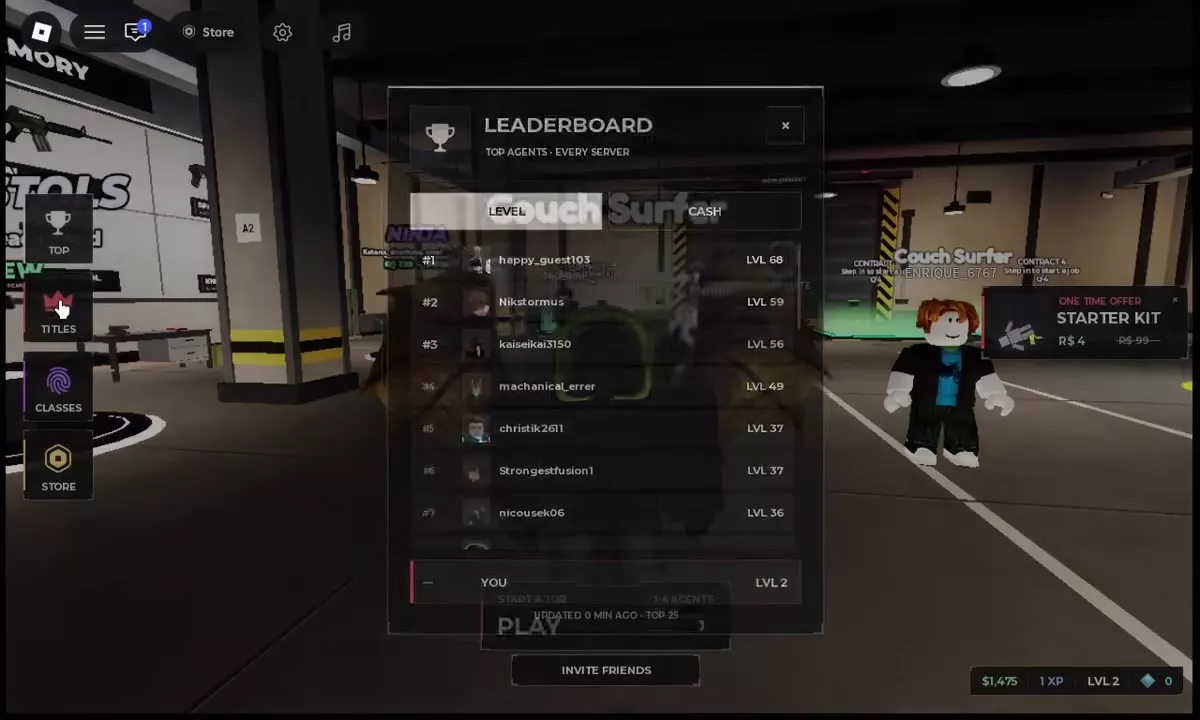
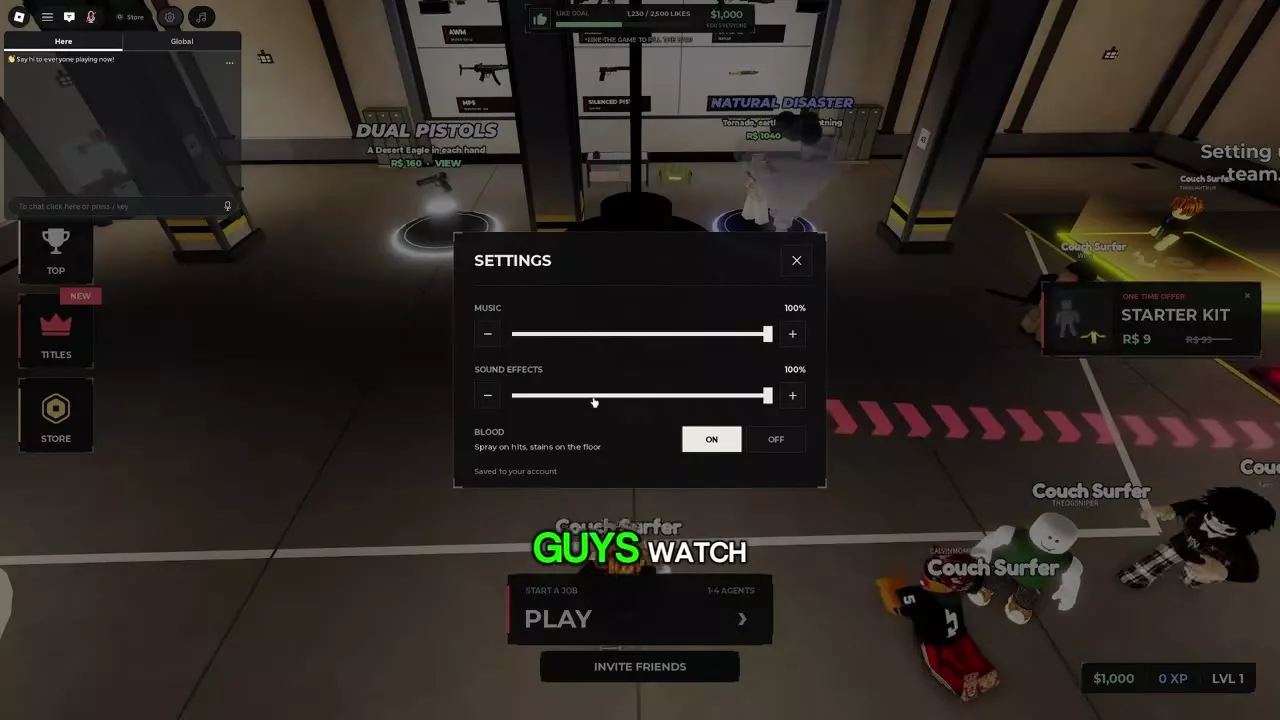
Select Top in the lobby, then choose Level or Cash to view the cross-server leaderboard. Open Settings to adjust Music and Sound Effects separately or set Blood to Off.
Top Agents Level and Cash Rankings
- In the lobby, select Top to open the Top Agents leaderboard.
- Choose Level or Cash to see the corresponding cross-server rankings.
- Look for the You row at the bottom of the panel to check your standing.
The lobby also has a separate Titles menu. See the titles and unlock requirements for its available rewards and conditions.
Music and Sound Effects
Open Settings in the lobby. Drag the slider or use the plus and minus buttons on the Music or Sound Effects row. Each row has its own percentage, so you can change one volume without changing the other. Your settings are saved to your account.
Blood Effects
In the lobby's Settings, select Off on the Blood row to hide splatter from hits and blood stains on the ground. Select On to show them again. The setting is saved to your account.
For the in-contract cleanup actions, see how to hide bodies and clean blood.
Roblox Event Reminders
Open the Silent Killer Simulator experience page on Roblox and find Events. Check the date and time on an event card, then select Notify Me to request a reminder.
For the schedule used during a contract, open Tonight on the Job Board. See the Tonight schedule and Town events for planning around those opportunities.