Silent Killer Simulator New Run vs Continue, Next Nights, and Re-entry
Choose how to resume your progress, finish a night, or return to a contract in Silent Killer Simulator.
New Run starts on Day 1 with a fresh quota. Continue previews and loads a saved run. To advance the night, choose End the Night at the Hideout Job Board. To revisit a location on the same night, choose Head Home, then select that destination again.
New Run and Continue
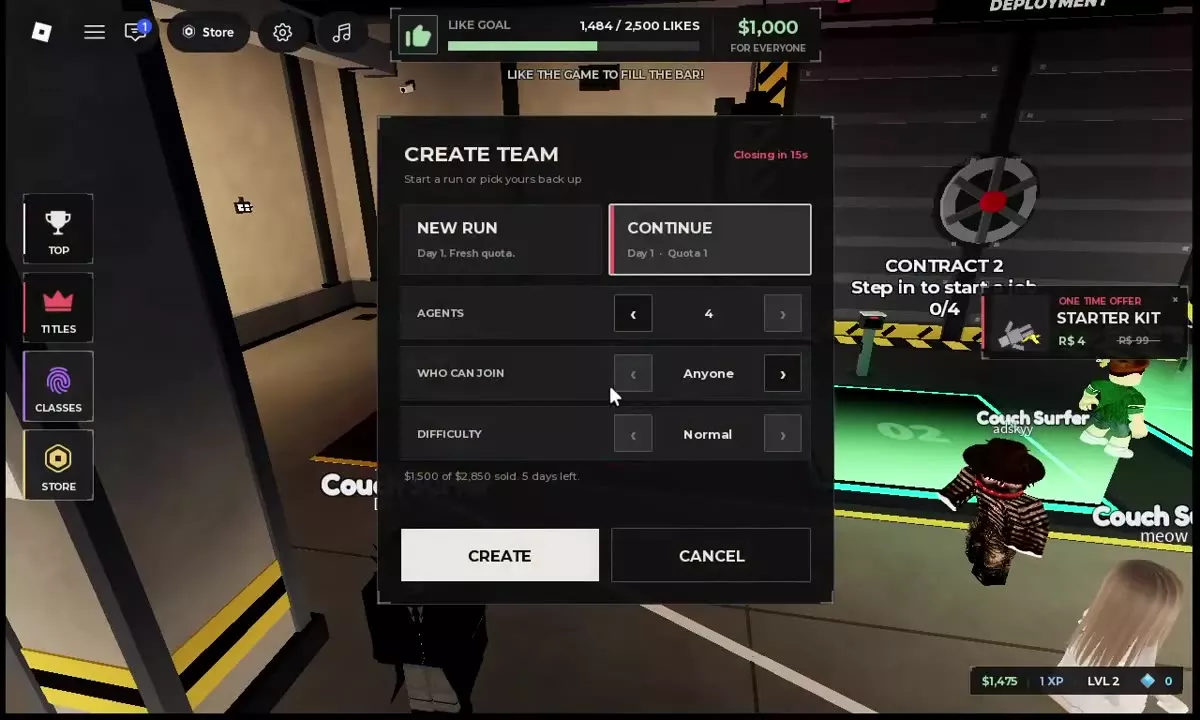
At a Contract pad in the deployment lobby, open Create Team and choose a run:
- New Run starts on Day 1 with a fresh quota.
- Continue loads an existing run. Its preview shows the day, quota number, amount sold toward the quota, and days left. If it says No saved run yet, choose New Run.
For example, a Day 1 Continue preview can show Quota 1, $1,500 sold toward $2,850, and five days left. After choosing a run, set up your team and select Create. See solo and co-op setup for the team controls.
The Roblox pause menu says your progress saves if you leave. When you return to the lobby, open Create Team and select Continue to inspect your saved run before deploying.
Head Home, End the Night, and Back to Lobby
Use the Job Board option that matches where you want to go:
| Option | Where to use it | Result |
|---|---|---|
| Head Home | Truck at a contract site | Return to the Hideout |
| End the Night | Hideout Job Board | Advance to the next night |
| Back to Lobby | Job Board | Return to deployment lobby |
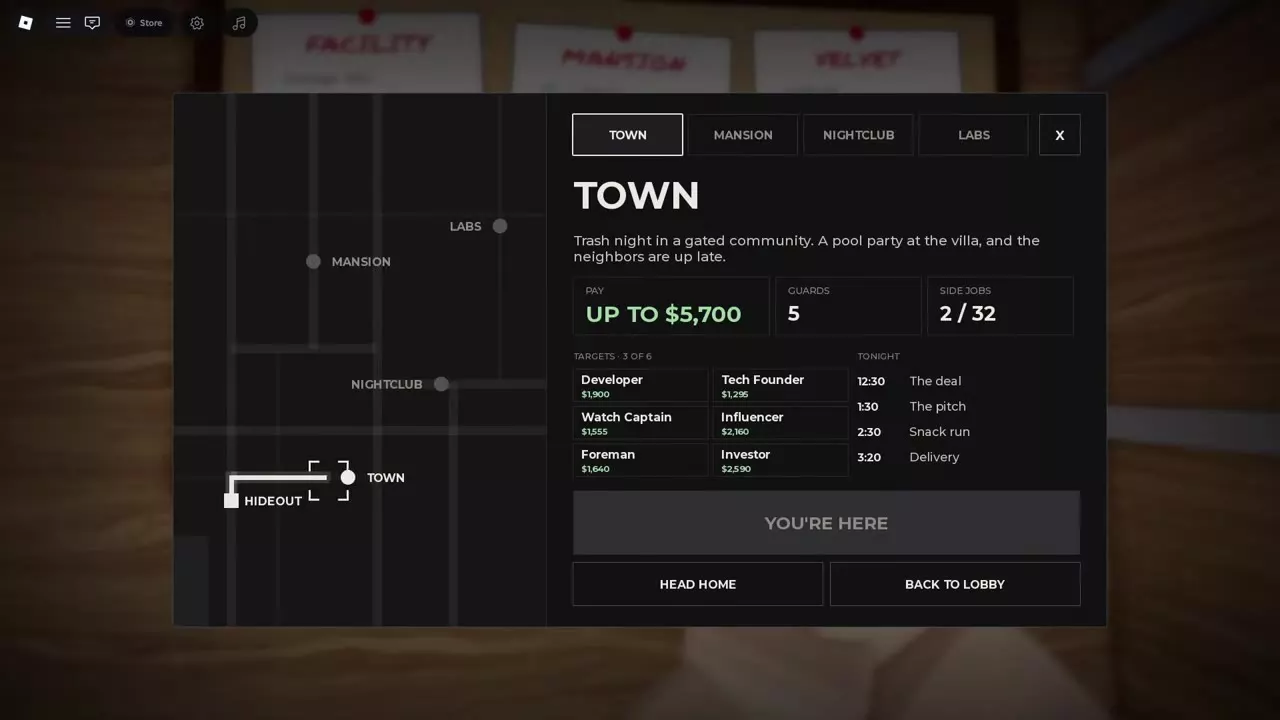
To start the next night, return to the Hideout first, open its Job Board, and select End the Night. Head Home returns you to the Hideout with your haul; it is the return trip rather than the command to advance the night. Back to Lobby takes you to the deployment lobby.
Re-enter a Contract on the Same Night
- At the contract site, open the Job Board in the truck and choose Head Home.
- At the Hideout, open the Job Board and select the same available destination.
- After arriving, read the HUD's target count, security progress, detection state, and side job before leaving the truck. Bring the tool needed for the current side job.
During an active Town contract, a return after eliminating The Tech Founder kept the target count at 1/3. A later return after eliminating The Watch Captain kept it at 2/3, while security was back at 0/4. One return also began Undetected with a different side job: rob the site's tool container using a Lockpick. Check the current counters when you arrive to plan the remaining work.
The contracts and Job Board guide covers choosing a job and completing its objectives.
Quota and Return Time
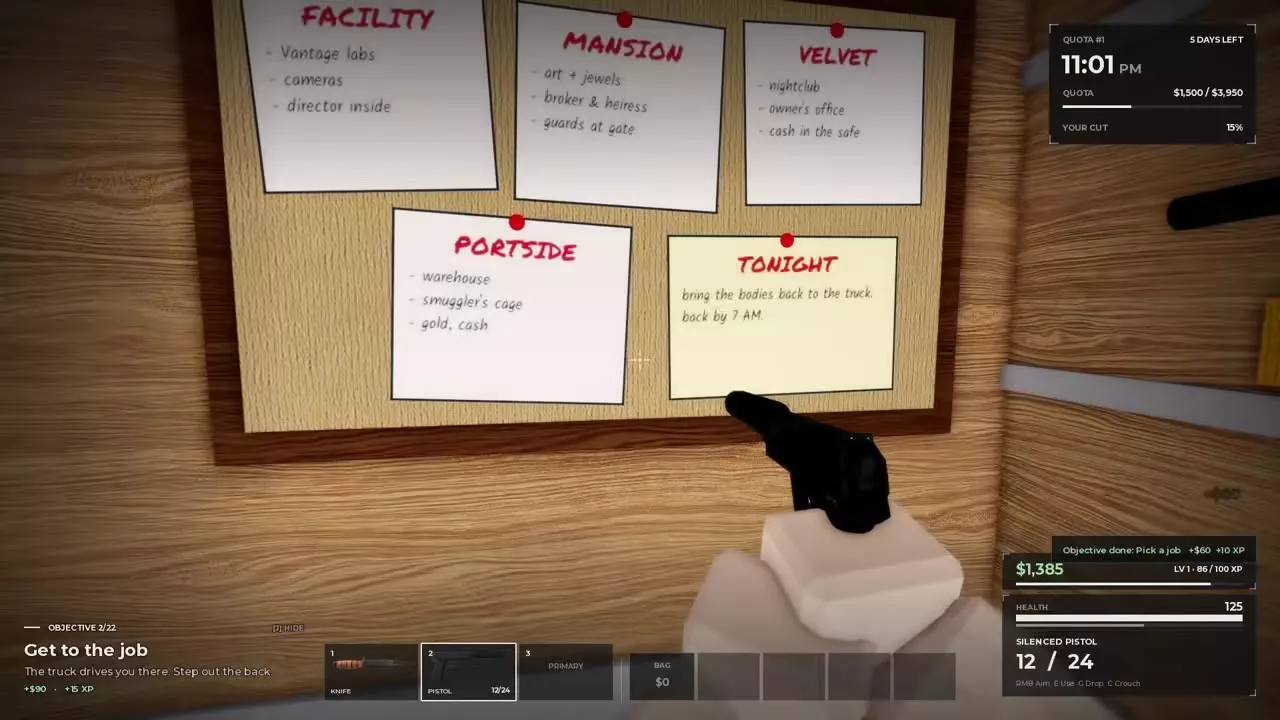
The truck's Tonight note tells you to bring bodies back to the truck and return by 7:00 AM. That time is separate from the quota's Days Left, which tracks the remaining days in the quota cycle. Plan the trip back using the body recovery and escape guide.
Quota progress and days left are separate readings: one run showed $4,725 toward a $2,850 quota with four days left. See the quota guide for paying off Quota 1.
A new run can also display Carried Into This Run. In one Level 1 First Job opening, the notice showed $1,000 from past runs.