How to Play Silent Killer Simulator: Beginner Guide
Your first run in Silent Killer Simulator starts at a lobby Contract pad and ends at the Hideout’s Sell Crate. Finish all five First Job objectives to move on to your first regular Town contract.
Step onto an open Contract pad, select New Run, and set Agents to 1 if you’re playing solo. Eliminate The Informant, load the body into the Escape Truck, and choose Head Home on the truck’s Job Board. At the Hideout, unload the body into the yellow Sell Crate and pull the lever. Return to the Job Board, select Town, and choose Drive There · Free.
Deploy from a Contract Pad
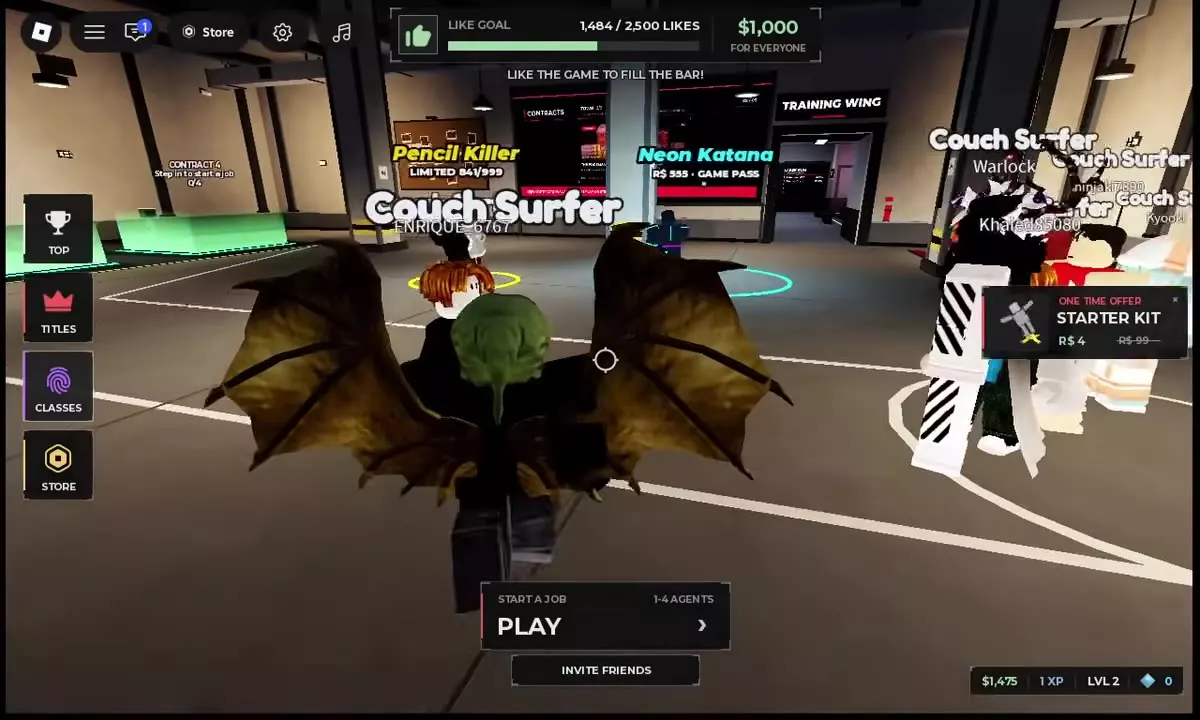
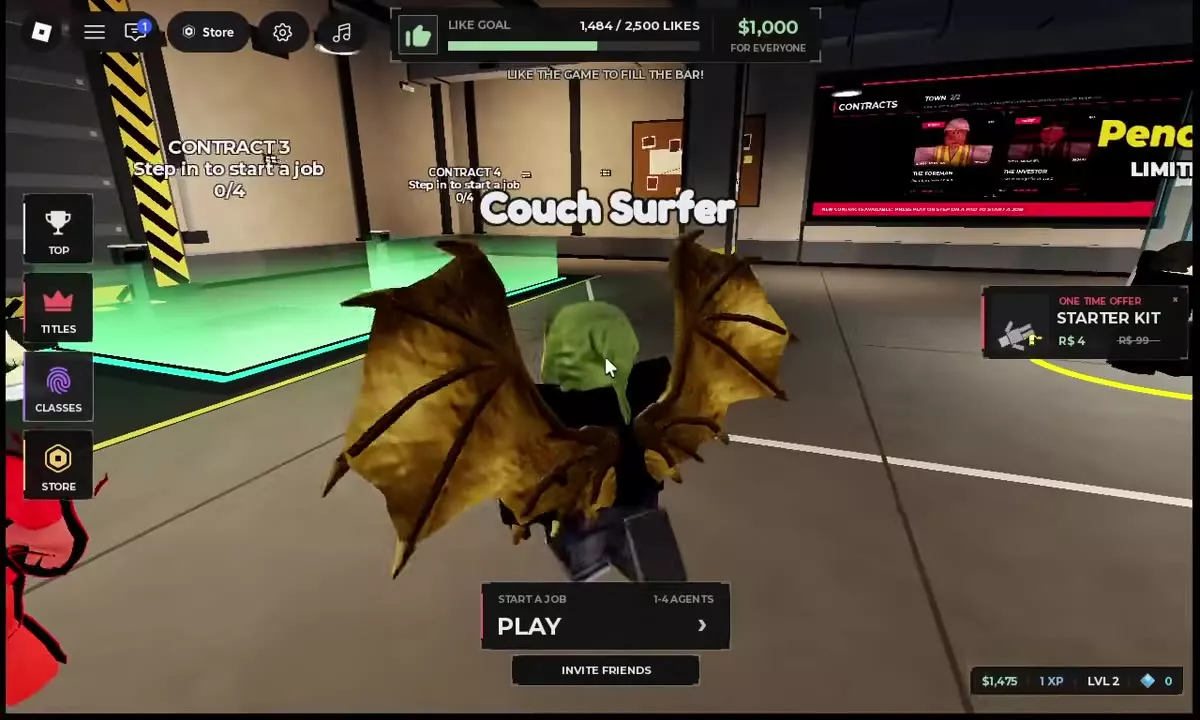
- Walk to the lobby’s Deployment area and step onto an open, numbered Contract pad marked Step in to start a job.
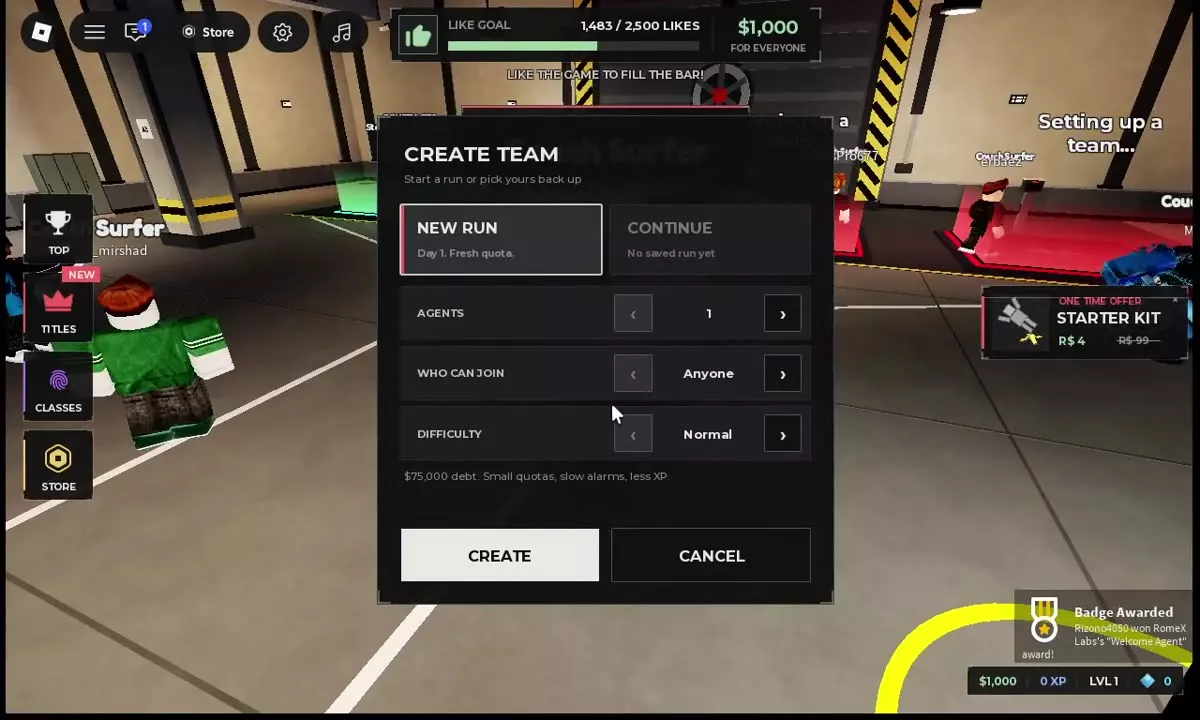
- Select New Run in Create Team. For a solo run, press the left Agents arrow until it reads 1. You can leave Who Can Join set to Anyone because you fill the only slot when you create the team.
- Select Create and wait for the deployment countdown to put you into First Job.
If you’re bringing friends, use a larger team size and set who can join before deploying. Solo and co-op setup
Find The Informant
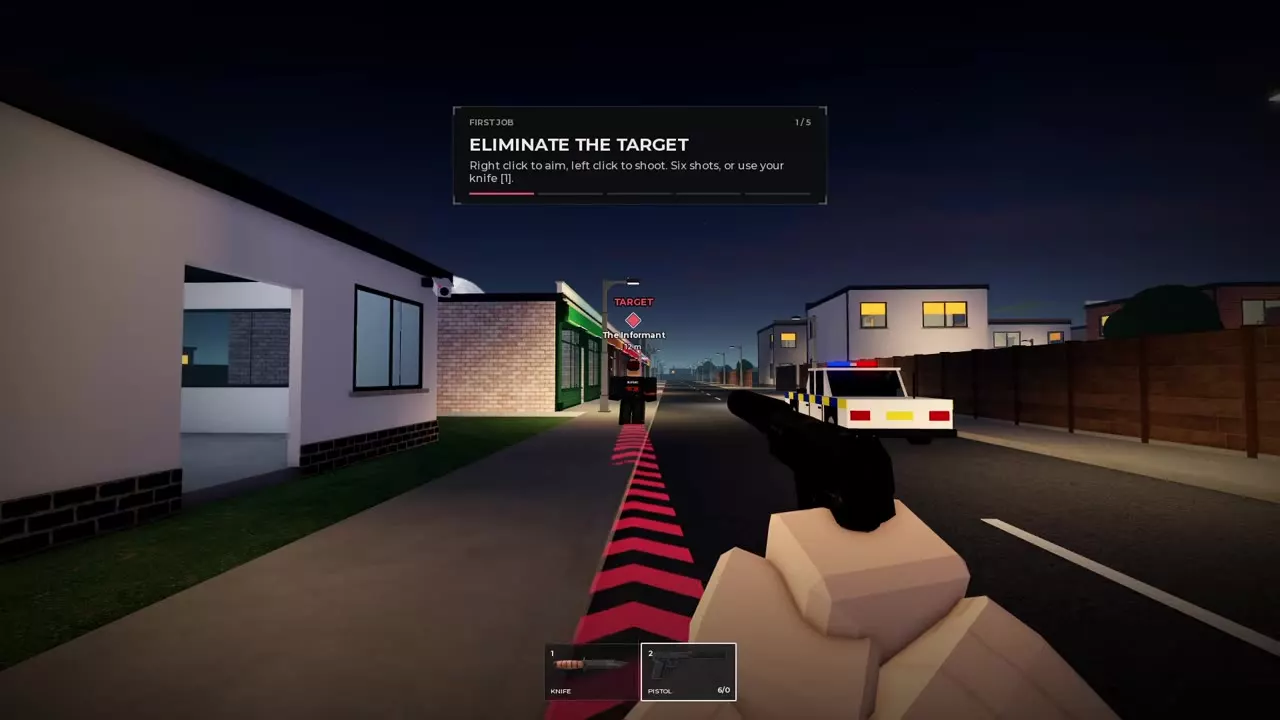
For Eliminate the Target (1/5), follow the red ground arrows to The Informant and look for the diamond labeled TARGET. On PC, press 2 to equip the pistol, right-click to aim, and left-click to fire. If you’re already close, press 1 and use the Knife to save a round for later.
Use the hotbar ammo count to choose your approach. 6/0 means six rounds loaded and no reserve, so the knife saves scarce ammo if you can get close. 12/12 gives you 12 loaded rounds and 12 in reserve if you prefer to use the pistol from farther away. Target Eliminated advances the tutorial to Recover the Body.
Recover the Body and Head Home
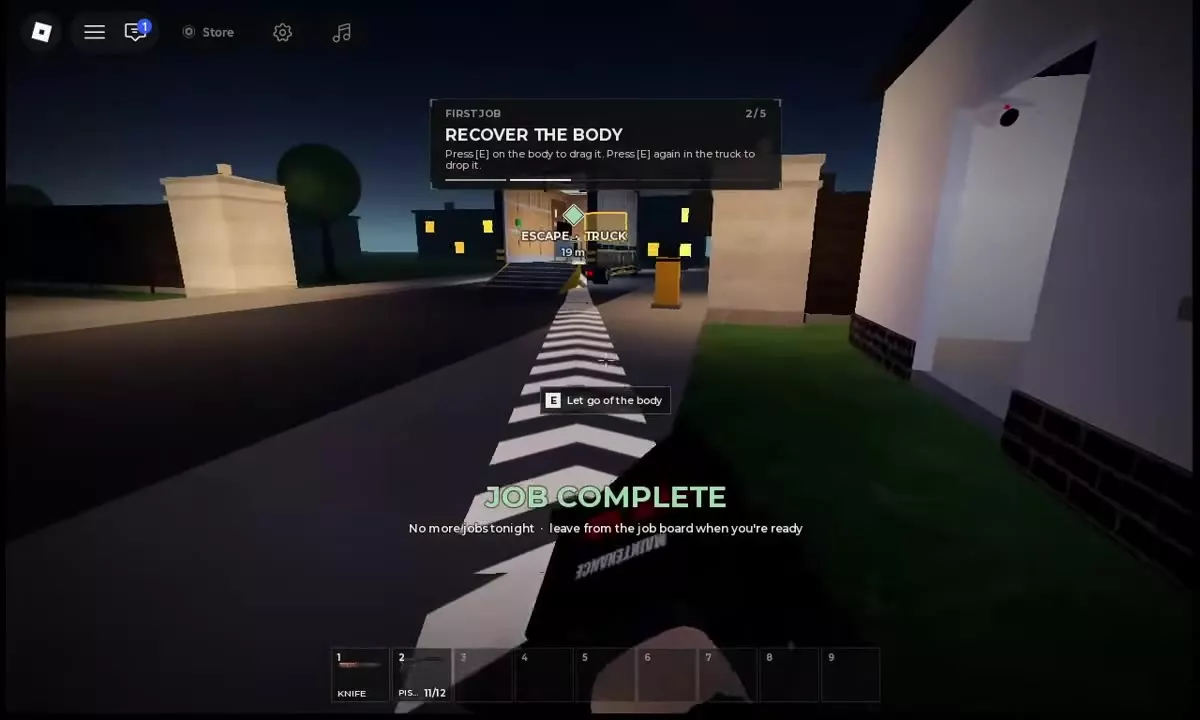
- For Recover the Body (2/5), aim at The Informant’s body and press E to start dragging. Follow the white arrows to the Escape Truck and go up the rear ramp.
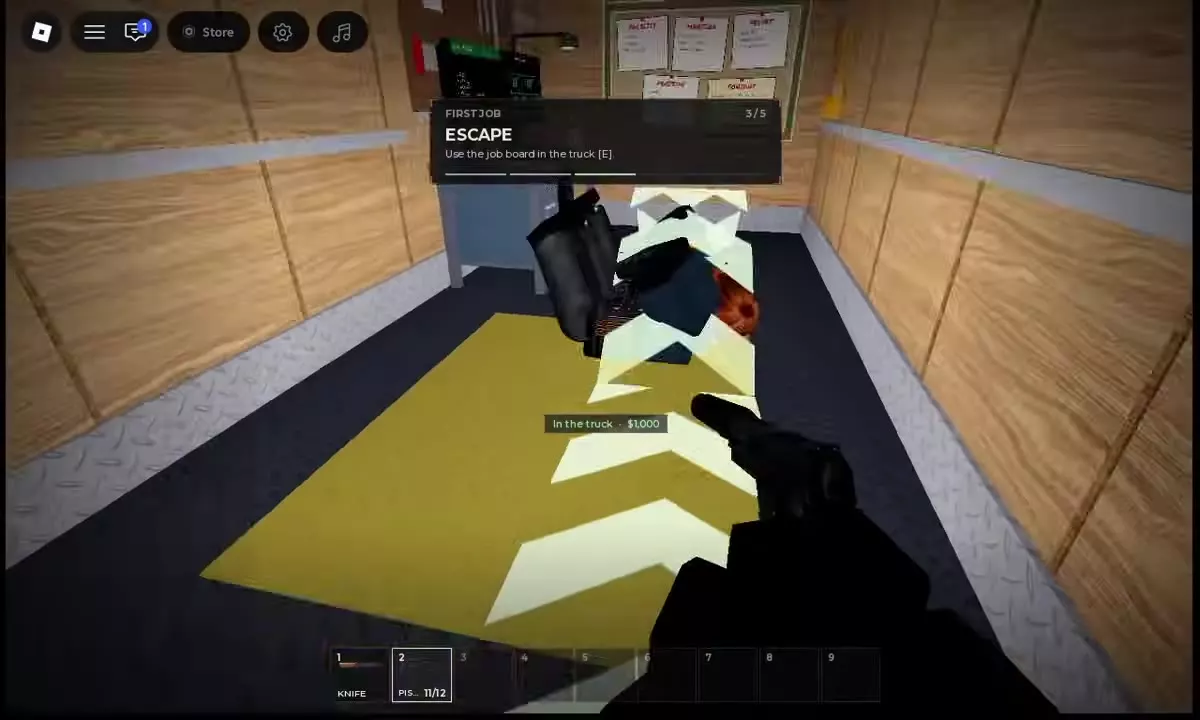
- Bring the body over the yellow loading area and press E when Load the body into the truck appears. Look for In the truck before moving on.
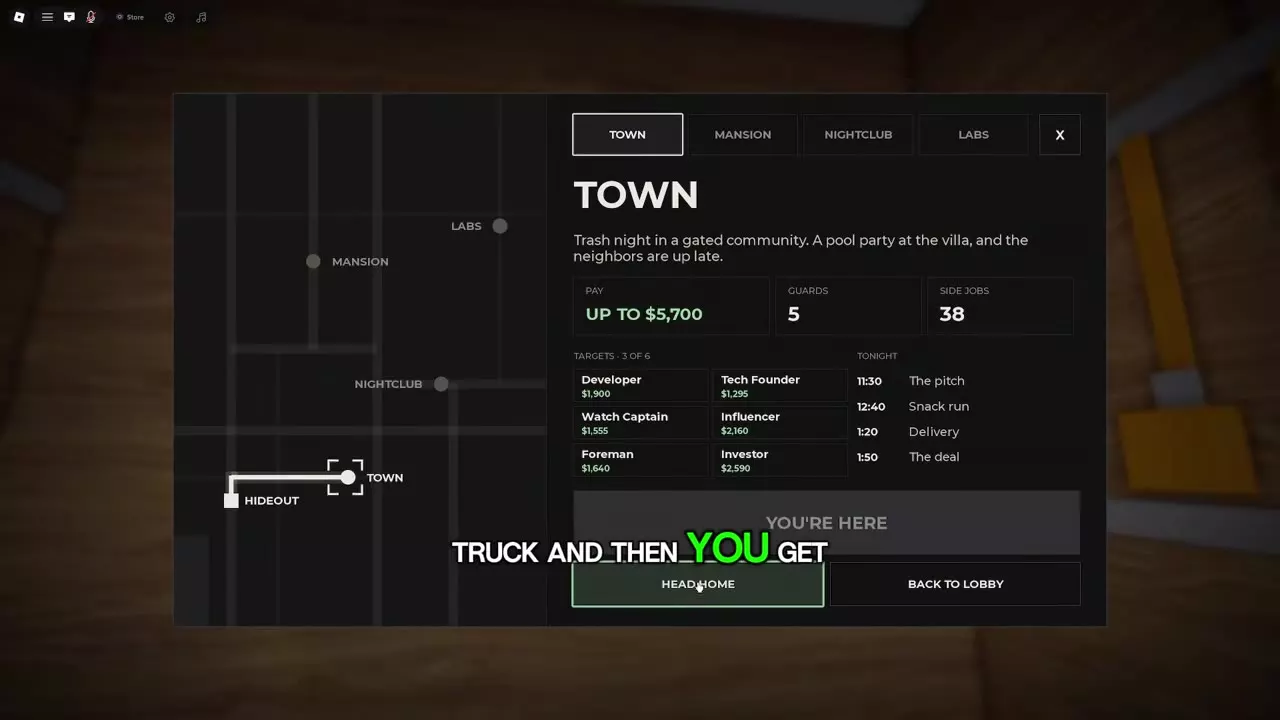
- For Escape (3/5), face the Job Board inside the truck, press E, and choose Head Home. Select Continue on the Job Report to enter the Hideout.
Unload the Body and Pull to Sell
- For Unload the Body (4/5), press E on The Informant’s body in the parked truck. Follow the arrows to the yellow Sell Crate and press E at Put the body in the sell crate.
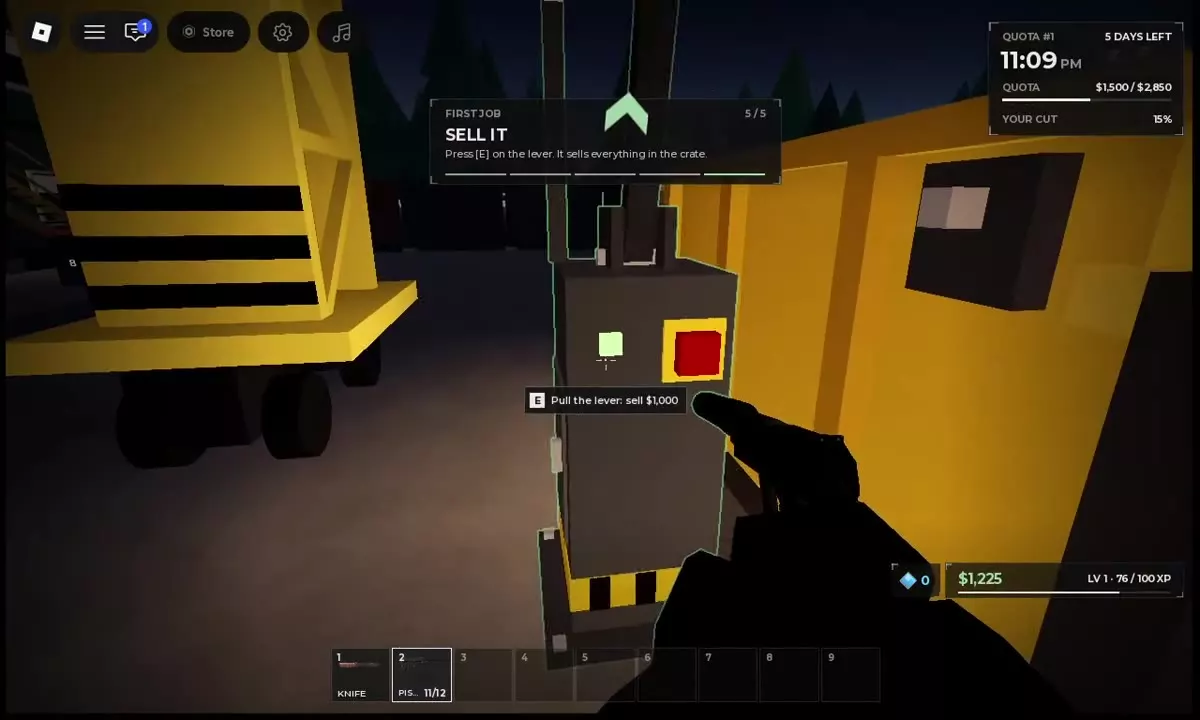
- For Sell It (5/5), face the lever beside the crate and press E at the sale prompt. The lever sells everything in the crate. Tutorial Job Complete confirms you’ve finished First Job.
The Informant’s body sells for $1,000. The full sale value counts toward quota, and at a 15% Your Cut, you receive $150 in spendable cash. A First Job report rated S Flawless can show $500 Paid Tonight toward quota and $75 Your Cut at the same share. The $500 on the report is the contract payout. The $1,000 on the sale receipt is the body’s value. Selling bodies and loot

Take the First Town Contract
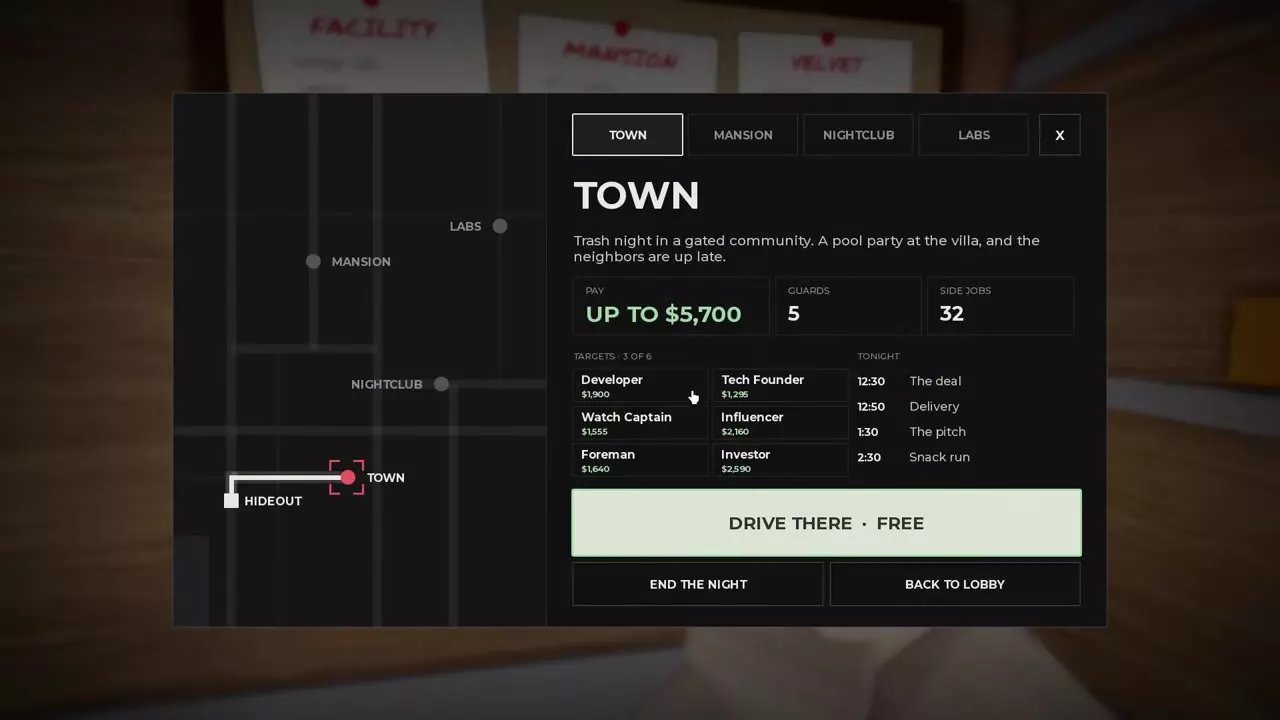
- When Pick a job appears, return to the truck and press E at the Job Board. Select Town, then Drive There · Free.
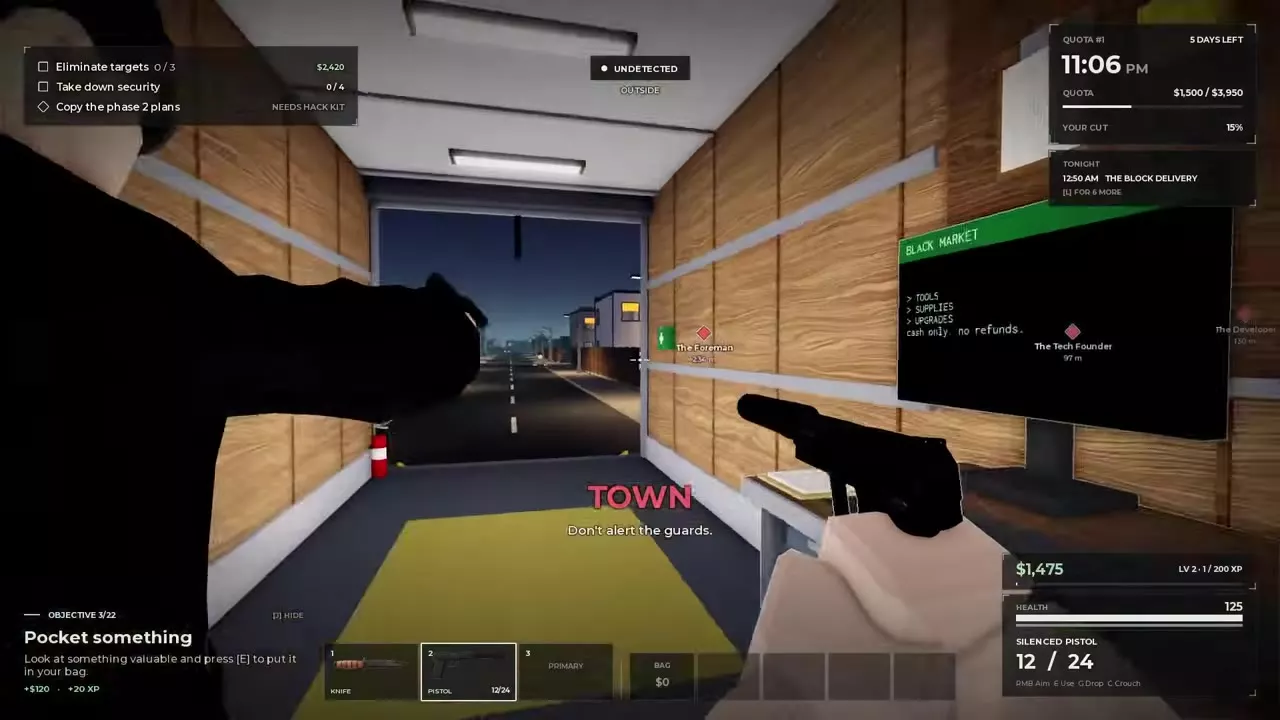
- Ride to Town and step out through the rear of the truck to clear Get to the job. Check the HUD for that night’s three assigned targets and any tool requirements before heading farther in. For example, Copy the phase 2 plans requires a Hack Kit when it appears. Skip tool-gated side work if you haven’t brought what it requires.
- Follow the markers for your assigned targets and use the HUD’s target counter to track progress. Keep the truck’s location in mind for the return trip. Bring back the targets you can recover and any valuables you pick up, then use Head Home to return to the Hideout. Sell your haul and spend your cut on supplies or an upgrade that will help on your next job.
Use the truck’s Tonight note to plan your return by 7 a.m. in game. If you need to leave early, you can use Head Home with targets still outstanding. Body recovery and escape
Tutorial Objectives After First Job
Follow the active prompt by name in the 22-objective HUD tutorial. Pocket something can be 3/22 or 4/22, depending on whether Take out a camera comes first.
Departure
- Pick a job. Choose a destination on the truck’s Job Board for $60 and 10 XP.
- Get to the job. Step out of the back of the truck after arrival for $90 and 15 XP.
At the contract site
- Take out a camera. Press 2, shoot a security camera, and put the pistol away before an NPC sees it. The objective pays $180 and 30 XP.
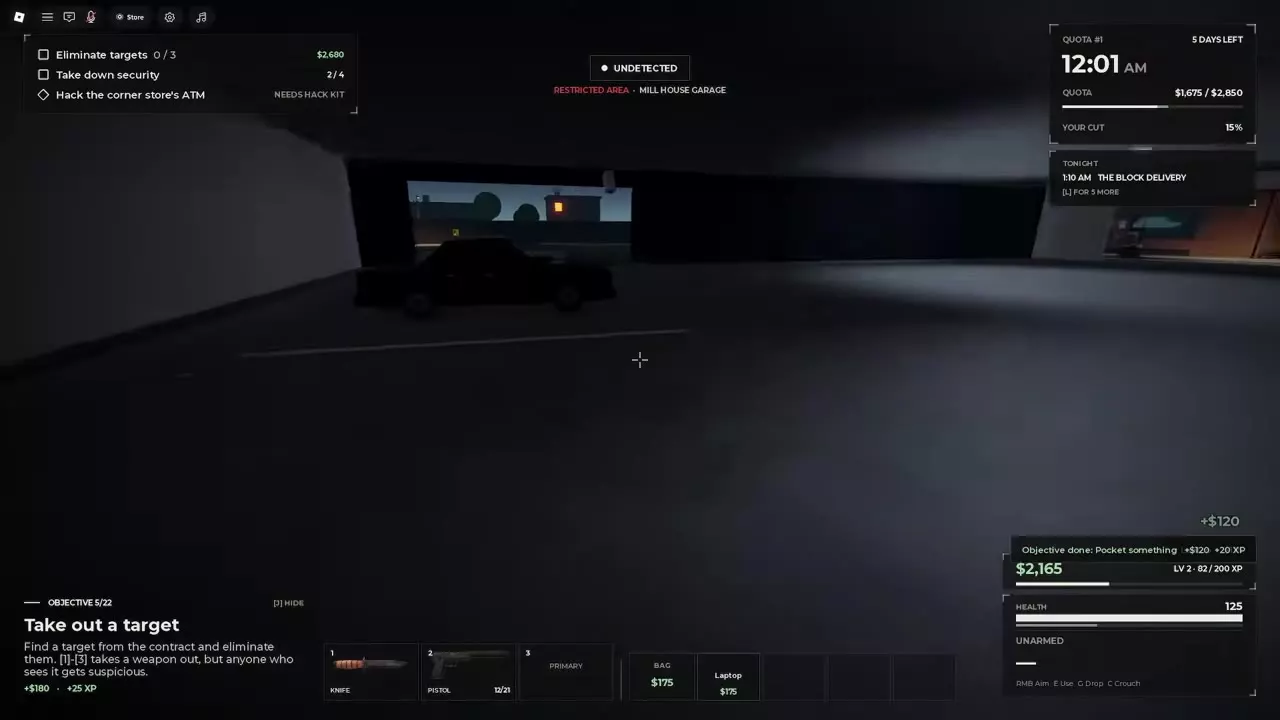
- Pocket something. Look at a loose valuable and press E to put it in your bag for $120 and 20 XP. The Laptop in the Mill House Garage is one option in Town.
- Take out a target. Eliminate a marked target from your active contract for $180 and 25 XP.
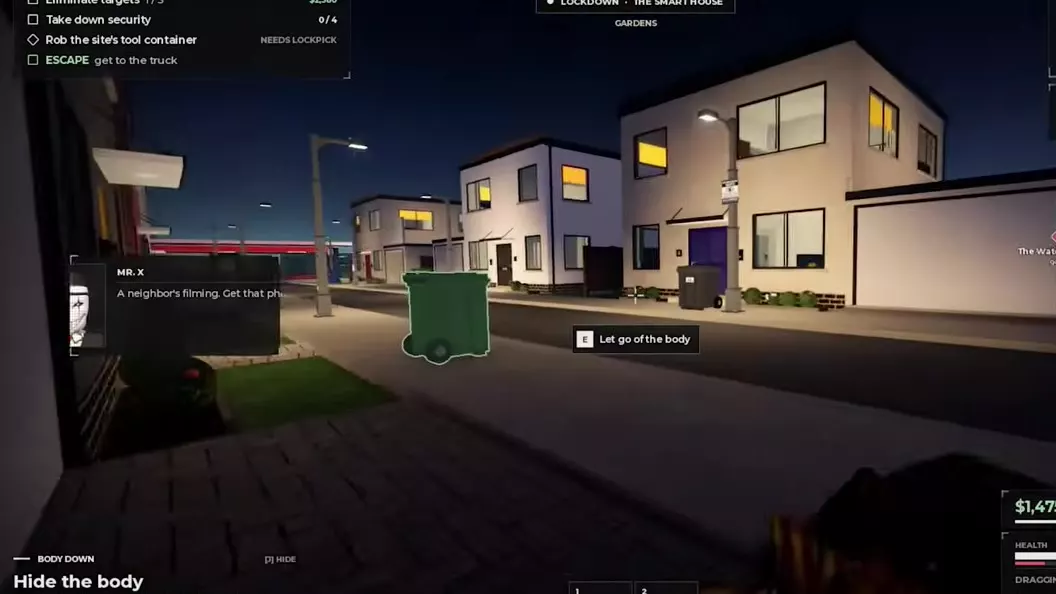
- Hide the body. Drag the body to a highlighted trash can before an NPC finds it. Follow the prompt at the can. If it calls for lifting the lid, open it and press E at the hide prompt.
Return and resupply
- Head home. Choose Head Home on the truck’s Job Board for $120 and 20 XP.
- Sell it. At the Hideout, load the Sell Crate and pull the lever for $180 and 30 XP from the objective, in addition to your share of the sale.
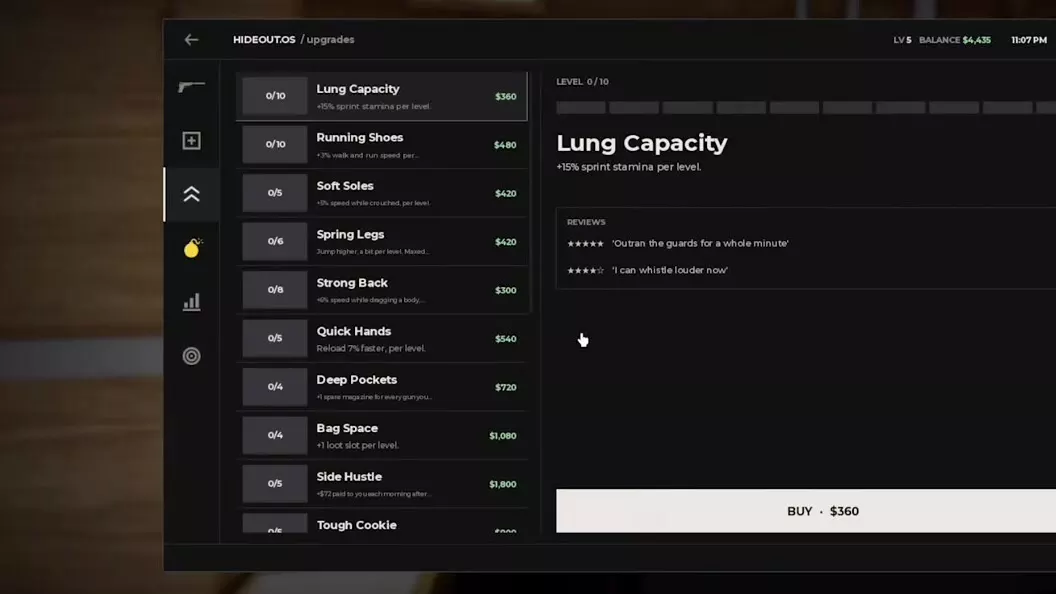
- Buy an upgrade. Open Computer → Upgrades and buy an available upgrade for $120 and 20 XP. Lung Capacity is one option if you want more sprint stamina.
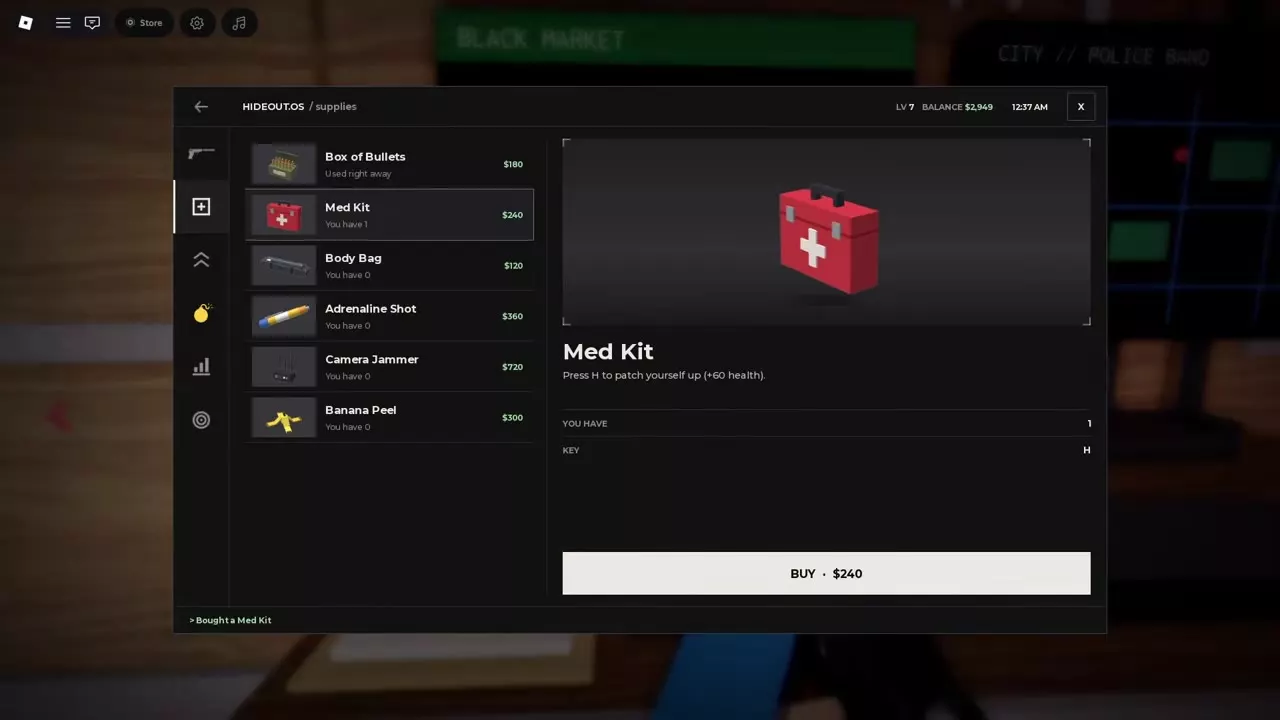
- Stock up. Buy any item under Computer → Supplies for $120 and 20 XP. Choose a supply you can use on your next contract, such as Box of Bullets if you need more ammo.
- New gear. Open Computer → Tools and buy an available weapon you can afford.
Training Wing and Next Steps
In the lobby, walk past the numbered Contract pads and look for the Training Wing sign above the doorway near the Contracts display. Welcome Agent is a Roblox badge for Silent Killer Simulator.
- Find your way from the truck to Mill House, the Villa, and other Town landmarks. Town map guide
- Look up keyboard and mouse inputs, including equipment slots and context-sensitive interactions. PC controls
- Choose which targets and nearby valuables to bring back on repeat Town trips. How to make cash